 Audio for Motion: Lifetime Plans Are Live: Get 20% OFF on Plus plan with Coupon - AUDIO20
  Back to blogs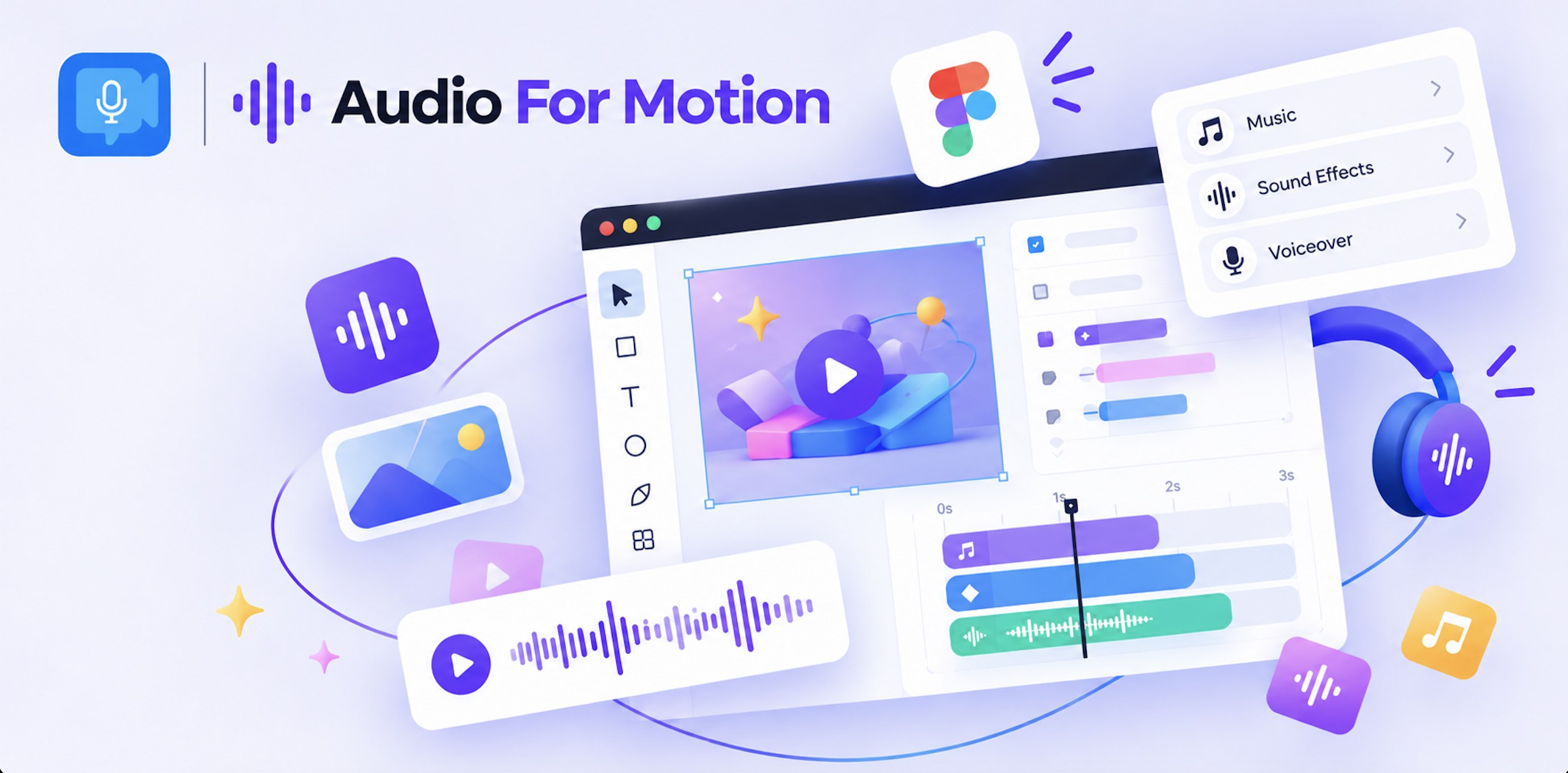
Great motion design becomes even more powerful when it has the right sound. Audio for Motion brings audio directly into Figma, making it easier to add music, sound effects, and voiceovers to animated designs without leaving your Figma workflow. What once required exporting your animation to another tool can now be part of the design process itself.
With Audio for Figma, designers can add and manage audio alongside their motion design. You can place sound effects, trim audio, adjust volume, add fades, and sync sound with your animation timeline. This makes it much easier to create richer prototypes, product animations, presentations, social content, and other motion design work directly in Figma.
What surprised me most is how much of a difference audio can make. A simple animation can feel completely different once the right sound effect or music is added. Audio for Motion turns silent Figma animations into more engaging experiences and gives designers another creative layer to experiment with.
If you already use Motion for Figma and want to take your animations further, adding audio is a natural next step. Audio for Motion helps bring sound and motion together so your Figma designs don’t just move, they feel alive.