 Audio for Motion: Lifetime Plans Are Live: Get 20% OFF on Plus plan with Coupon - AUDIO20
  Back to blogs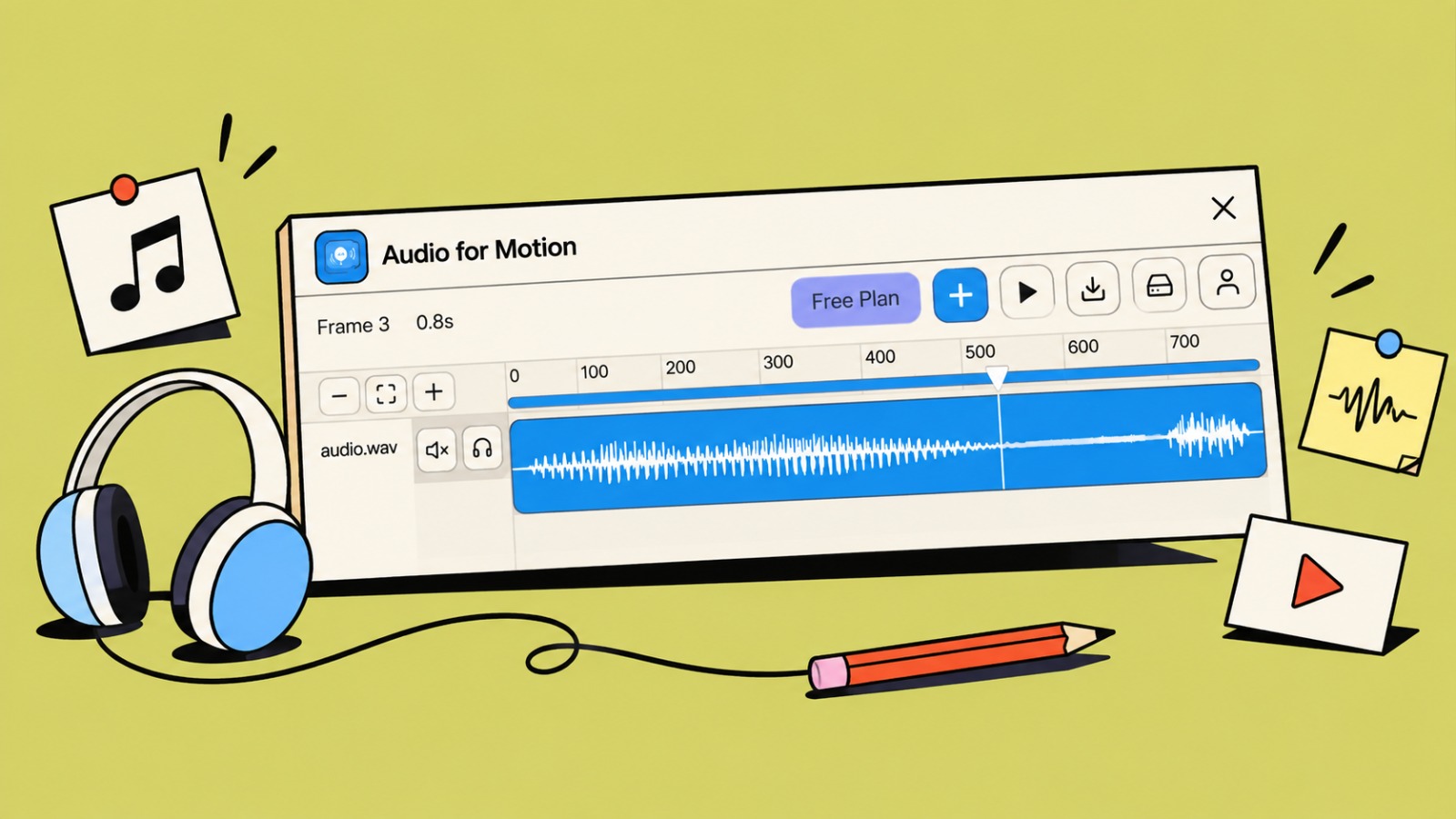
A good animation can show what happens. Sound can make it feel real.
Audio for Motion is a Figma plugin that lets you add sound effects, voiceovers, and music to your Motion animations. You can place sounds exactly where you want them, adjust them, and hear everything while your animation plays.
And the best part? You can do it all inside Figma.
Try Audio for Motion in Figma: https://www.figma.com/community/plugin/1670907357750790019/audio-for-motion
Bring Your Animations to Life
Imagine a button that makes a soft click when pressed, a notification that plays a sound, or a product animation with music and voiceover.
With Audio for Motion, you can connect these sounds to your animation and create a much more complete experience.
You can:
-
Add multiple audio clips to an animation
-
Move and trim clips on a timeline
-
Adjust volume for each sound
-
Add fade in and fade out
-
Mute or listen to individual clips
-
See the audio waveform while editing
-
Play your animation and audio together
-
Export your final animation as an MP4 with sound
See and Hear Your Animation Together
One of the most useful parts of Audio for Motion is that the audio follows the actual Motion timeline.
Move the playhead, play the animation, or scrub through it - your sounds follow along.
This makes it much easier to find the right moment for a click, pop, transition, voice line, or any other sound.
No more guessing where a sound should start.
Made for Designers
You don't need to learn a complicated audio or video editor just to add a few sounds to your prototype.
Audio for Motion gives you a simple timeline where you can drag, trim, move, and adjust your clips.
It works well for:
-
UI and micro-interactions
-
App and website prototypes
-
Product demos
-
Motion design presentations
-
Game interfaces
-
Animated walkthroughs
-
Voiceover-based prototypes
-
Social and presentation videos
From Prototype to Video
Once your animation feels right, you can export it as an MP4 with the audio included.
That means you can quickly share a finished motion concept with your team, clients, or stakeholders without moving your work into another application first.
Your Audio Stays in Figma
Audio for Motion works offline and doesn't require an account or external server.
Your audio files are kept within the plugin's Figma storage. The plugin also compresses audio to help use storage more efficiently.
There is currently a storage limit in Figma, so keeping an eye on larger audio files is important, especially when working with many clips.
Give Your Motion Some Sound
Motion doesn't have to be something people only watch.
Add a click to a button.
Add a notification sound to an interaction.
Add music to a product demo.
Add a voiceover to explain your idea.
Try Audio for Motion and see what your animations sound like.