 Audio for Motion: Lifetime Plans Are Live: Get 20% OFF on Plus plan with Coupon - AUDIO20
  Back to blogs
Figma Config India 2026, held on October 15 in Bengaluru, introduced a new direction for product design: bringing design, code, AI agents and technical context closer together in one creative workspace.
The announcements reflect a broader change in how digital products are built. Designers are no longer limited to creating static screens and handing them over to developers. They can increasingly explore functional prototypes, work with real code, define technical requirements and use AI to move from an idea toward a working product.
Five announcements stand out: Code Layers, Figma Specs, Payload in Figma, improvements to the Figma Model Context Protocol (MCP) and the evolution of design systems and guidelines.
Together, these developments raise an important question: What happens when the distance between designing a product and building it becomes smaller?
Let's explore the major updates and what they mean for designers, developers, product teams and the future of digital experiences.
1. Code Layers: Bringing Interactive Prototypes Directly to the Canvas
One of the major announcements at Config India 2026 was the open beta of Code Layers in Figma Design.
Traditionally, designers create visual interfaces in Figma and rely on separate tools or development environments to turn those designs into interactive experiences. Code Layers aims to bring these activities closer together by allowing real, running code to exist directly on the Figma canvas.
Designers can start in several ways:
-
Convert existing design frames into interactive, code-backed prototypes.
-
Capture code from a website using the Figma Chrome extension.
-
Connect a GitHub repository and work with an existing frontend codebase.
-
Start with an empty code layer and describe the desired experience using prompts.
This creates a more collaborative environment where designers and developers can explore ideas, test interactions and refine concepts without constantly moving between disconnected workflows.
Why Code Layers matter
Static mockups communicate how a product should look, but interactive prototypes help teams understand how it should behave.
A navigation menu, a dynamic dashboard or a complex interaction can be explored more realistically when the prototype contains running code. Teams can evaluate ideas earlier, discuss implementation details and reduce the gap between design intent and the finished product.
Code Layers also change the competitive landscape for website capture and design-to-code tools. As Figma brings more capabilities directly into its canvas, independent tools will need to offer distinct value through specialized workflows, better output quality, deeper integrations or capabilities that complement Figma's native features.
For designers, the opportunity is to spend less time moving between tools and more time experimenting with the product experience.
2. Figma Specs: Connecting Design Intent, Requirements and Technical Context
A successful product requires more than a good-looking interface. Teams need to understand why a feature exists, what it should accomplish, how it should behave and how it fits into the wider product.
Figma Specs, announced in open beta, introduces a native place for bringing this context together.
Specs can connect written intent, visual exploration, technical requirements and information that AI agents need to work more effectively. Teams can create specifications from designs, turn technical specifications into code layers, bring external context into their work through MCP and explore multiple directions side by side.
It also creates a way to bring feedback and discussion into a more structured product-development workflow.
Why Figma Specs matter
Design decisions often become disconnected from the requirements that originally shaped them. A designer may understand the intended experience, while a developer receives a mockup without all the necessary details. Product managers may have requirements documented elsewhere and AI tools may lack the context needed to generate a useful result.
Specs aims to reduce these gaps by keeping more of that information connected.
For product teams, this could mean clearer communication, fewer misunderstandings and better alignment between what was requested, what was designed and what gets built.
It also points toward a future in which AI agents do more than generate generic interfaces. With access to relevant requirements, designs, code and product context, they can work toward more informed results.
For tools that convert screenshots, references or existing interfaces into editable design assets, this shift is particularly relevant. The next generation of design workflows may combine visual input with requirements and technical context to produce outputs that are easier to refine and implement.
3. Payload in Figma: Moving from Prototypes Toward Full-Stack Applications
Another significant announcement was the integration of Payload into Figma's application-building workflow.
Payload is an open-source backend framework that provides the infrastructure needed to build data-driven applications. With Payload in Figma, Figma Make can help developers and product builders establish a backend alongside their application.
The capabilities include:
-
Content management through a CMS.
-
Database and data modelling capabilities.
-
File and media storage.
-
Authentication and access control.
-
REST, GraphQL and local APIs.
-
An administrative panel for managing content and data.
This integration brings backend functionality closer to the process of building interfaces in Figma Make and Code Layers.
Why Payload matters
A visual prototype can demonstrate how an application should look and behave, but a production application also needs data, authentication, content management and backend services.
Connecting these capabilities to Figma's building workflow can make it easier to move beyond demonstrations toward more complete applications.
For example, a team designing a content platform could explore its interface while also developing the backend needed to manage articles, media, users and application data.
This does not eliminate the need for engineering expertise, security reviews, testing or production planning. Instead, it creates a more integrated starting point for building applications.
The broader direction is clear: Figma is expanding beyond visual design into more of the product-development lifecycle, connecting the interface with the systems that power it.
4. Figma MCP Improvements: Connecting AI Agents with Real Design Context
AI agents are becoming an increasingly important part of software and product development. However, their usefulness depends heavily on the context they can access and the actions they can perform.
Figma's Model Context Protocol (MCP) improvements aim to make its design environment more accessible to external AI tools and workflows.
The updated MCP capabilities include faster, more reliable interactions, creating and editing Specs, generating interactive Code Layers and generating visual assets from connected AI tools.
Two notable tools are:
-
html_to_figma- converts agent-generated HTML into editable design layers in Figma. -
generate_image- allows supported AI tools to generate images using Figma's image models without opening Figma separately.
These capabilities make it possible for AI agents to interact more directly with design content rather than simply describing what a designer should create.
Why MCP matters
Consider a workflow where a developer asks an AI agent to generate a webpage. Instead of stopping at the code, the workflow can bring the resulting HTML into Figma as editable design layers.
Similarly, an agent working with a product specification could help create or update related design artifacts, keeping more of the process connected.
This is especially important as teams begin using tools such as ChatGPT, Claude and coding agents to support design and development.
For plugin developers, MCP creates opportunities to connect specialized tools with broader AI-driven workflows. Rather than functioning only as isolated plugins, design tools can become part of a connected system in which agents access capabilities, process information and help users complete multi-step tasks.
For example, website capture, image-to-editable-design conversion and digital asset management could all become components of a larger workflow that starts with a reference and ends with a usable design asset.
The opportunity is not simply to add AI to every tool. It is to make existing capabilities easier to discover, connect and use when they are needed.
5. Guidelines and Centralized Design Systems: Making AI-Generated Work More Consistent
As AI makes it easier to generate interfaces, maintaining design consistency becomes increasingly important.
A team may already have a well-defined design system with reusable components, typography, colors, spacing rules and established interaction patterns. But an AI agent cannot always infer the team's complete design philosophy from component libraries alone.
Figma's new Guidelines feature addresses this challenge by allowing teams to provide additional instructions about how their design systems should be used, including preferred patterns and practices to avoid.
Figma also introduced a preview of centralized design systems, with the goal of bringing design libraries, code libraries and guidelines into a unified environment.
The broader vision includes improved governance, dependency mapping and diagnostic reports that help teams understand how their design systems evolve.
Why this matters for designers and developers
Without appropriate context, AI-generated interfaces can look plausible but still diverge from a team's actual design standards. Components may be used incorrectly, spacing may be inconsistent or established interaction patterns may be ignored.
Guidelines can help AI agents produce work that better reflects the team's intentions. Centralized design systems can make it easier to maintain consistency between visual components, implementation code and the rules that govern their use.
This becomes increasingly valuable when many designers, developers and AI agents contribute to the same product.
The goal is not simply to generate more designs. It is to generate designs that are relevant, consistent, reusable and closer to what a team can actually ship.
For organizations building products at scale, this combination of shared context and reusable systems could help reduce rework while preserving the quality and identity of their products.
6. Markdown (.md) Files: Giving AI the Context It Needs to Design Better
One important idea behind Figma Config India 2026 is that AI needs more than prompts to produce useful work. It needs context, including project requirements, design decisions, technical details and clear instructions.
Markdown (.md) files are simple text documents that organize this information. With Figma Specs, teams can drag Markdown files onto the Figma canvas and turn them into collaborative specifications. Figma also supports Markdown files as design-library guidelines to help its agent follow a team's design standards.
What can you put in an .md file?
-
README.md- explains a project's purpose, features, technology stack and setup instructions. -
guidelines.md- documents design principles, colors, typography and interaction patterns. -
components.md- explains how to use reusable UI components. -
AGENTS.md- provides specific instructions for AI coding agents working on a project.
These are common conventions, not mandatory Figma file formats.
Why does this matter?
Without context, AI might generate interfaces that ignore brand colors, misuse components or conflict with established design rules. Well-written documentation helps AI agents understand project requirements and produce more consistent results.
Markdown also connects design and development by making specifications, design decisions and technical instructions easier for teams and AI tools to understand.
The takeaway: Better context leads to better AI-assisted work. As design tools evolve, documenting your requirements and guidelines becomes an increasingly valuable skill.
From Code and Context to Better Digital Experiences
The five announcements point toward a connected product-building workflow.
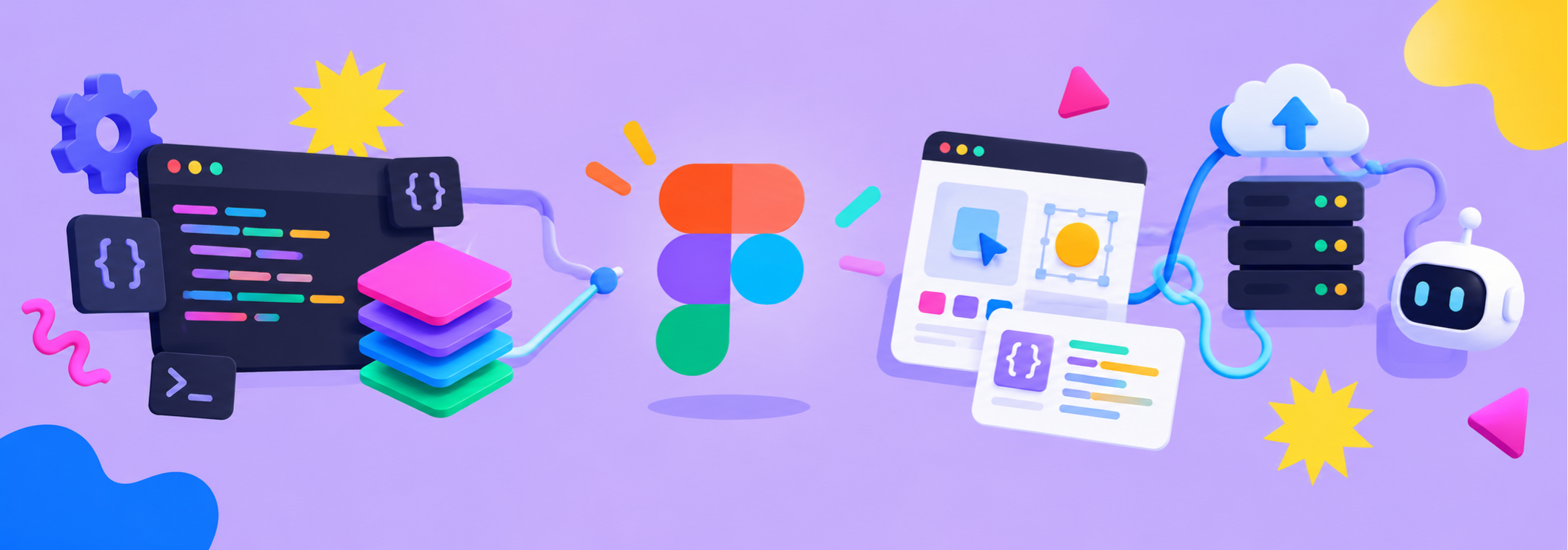
Code Layers bring interactive prototypes onto the canvas. Specs connect requirements with design and technical context. Payload adds backend capabilities. MCP makes it easier for AI agents to work with Figma. Guidelines and centralized design systems help keep the resulting work consistent.
Together, these developments bring teams closer to a workflow in which ideas can move from requirements to designs, from designs to interactive prototypes and from prototypes toward implementation with fewer disconnected steps.
But building a product is not only about functionality and technical implementation. It is also about the experience people have when they use it.
A functional interface can still feel lifeless if every interaction is static. A thoughtfully animated transition, a responsive icon or a carefully timed sound can make a digital product feel more intuitive, polished and engaging.
This is where motion design becomes an important part of the wider evolution of UI design.
Taking Static UI to the Next Level with Crafttor's Motion Plugins
As designers explore more interactive prototypes and richer digital experiences, Crafttor's motion-focused plugins can complement the workflow by helping bring animation, movement and sound into Figma.
-
Motion for Figma (Animated Icons): Explore a library of 10,000+ animated icons to add movement and personality to interface elements, onboarding experiences, notifications and product presentations. Explore Motion for Figma.
-
Path Motion: Create path-based animations in Figma Motion to bring illustrations, objects and visual elements along more expressive trajectories. Explore Path Motion.
-
Capture Motion: Capture website animations and bring them into Figma Motion, helping designers study existing motion references and explore new animation ideas. Explore Capture Motion.
-
Audio for Motion: Add music, sound effects and voiceovers to animations using more than 4,500 built-in sounds. Arrange audio across multiple tracks, fine-tune timing and export videos with sound included. Explore Audio for Motion.
These tools address different parts of the creative process, from finding animated assets and exploring movement to learning from website references and adding sound.
Together, they can help designers move beyond static screens and create richer motion presentations, expressive prototypes and more complete visual experiences. The key is to use motion purposefully, ensuring that each animation or sound supports the product's message, usability or personality.
The Future of Product Design: More Than Just Building Faster
Config India 2026 reinforces a broader shift in digital product development. The design canvas is becoming a place where visual exploration, code, specifications, AI agents and shared design systems can work more closely together.
That shift creates opportunities for designers to contribute earlier to implementation, for developers to work with clearer design context and for product teams to experiment with ideas before committing to a final direction.
However, speed alone is not the ultimate goal. The quality of the experience still depends on thoughtful decisions, strong design fundamentals, accessibility, usability and attention to detail.
As AI reduces the effort required to generate interfaces and prototypes, the ability to make those experiences distinctive becomes even more valuable. Interaction design, motion, sound and visual consistency can help separate a generic interface from a memorable product experience.
The next generation of digital products will need more than attractive screens or functional code. They will need to connect design intent with implementation while delivering experiences that feel intuitive, responsive and alive.
The future is not just about designing interfaces faster. It is about bringing ideas to life with better context, more connected tools and experiences that people genuinely enjoy using.
To explore the official announcements and feature availability, visit the Figma Config India 2026 recap.