 Audio for Motion: Lifetime Plans Are Live: Get 20% OFF on Plus plan with Coupon - AUDIO20
  Back to blogs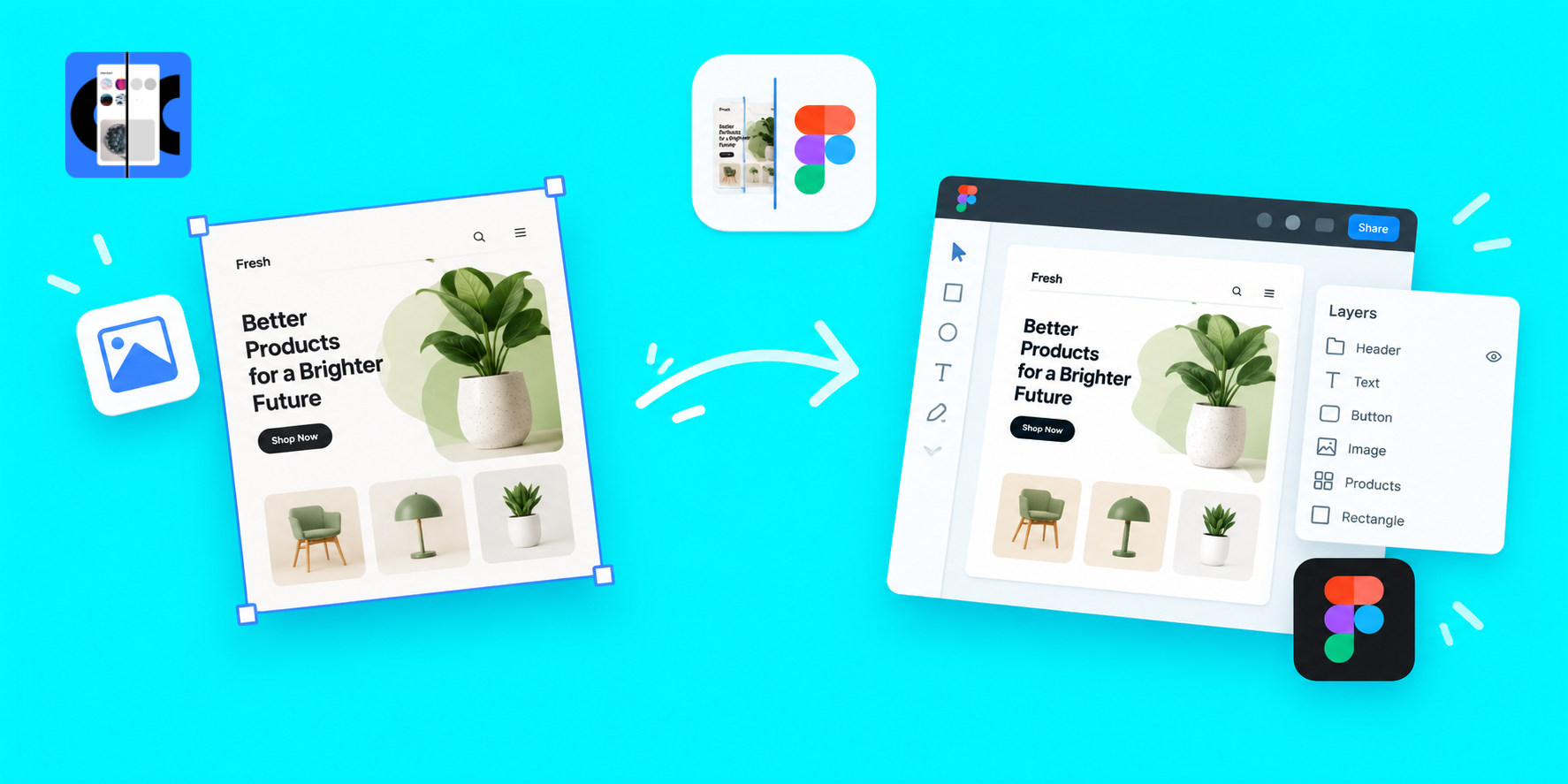
Designers often start with a screenshot, reference image or existing UI and need to recreate it in Figma. That process can take hours of manually creating frames, text, buttons, icons, images, colors and spacing. Image To Figma Design was built to make that process much faster helping designers turn screenshots and UI images into editable Figma designs.
From One-Time Credits to Monthly & Yearly Plans
When Image To Figma Design launched, users could buy credits for conversions and those credits never expired. As the product evolved, we updated the pricing model to monthly and yearly subscription plans, while keeping the credit-based conversion system.
With the new plans users receive a set number of conversion credits each month or year, depending on their subscription. This gives regular users a more convenient way to use Screenshot to Figma and convert multiple screens and UI images without having to purchase credits separately each time.
More Than Screenshot to Figma
Image To Figma Design has also grown beyond simply converting an image into Figma layers. We introduced Image To HTML Design within the same experience giving designers another way to transform visual references into usable design and web structures.
The product has also received a UI refresh, faster processing and improvements to the overall generation experience. With better AI models behind the system the plugin can better understand elements such as text, shapes, buttons, images, colors, spacing and other UI details.
Faster, Better and More Editable Figma Designs
The goal remains simple: reduce the time spent rebuilding existing designs manually. Whether you are working from a website screenshot, mobile UI, design reference or any other visual, Image To Figma Design helps turn that starting point into an editable Figma design that you can continue designing and refining.
As the product continues to improve, we are focusing on three things: better output quality, faster generation and a smoother Screenshot to Figma workflow. For designers who frequently recreate interfaces from screenshots or images, it provides a faster starting point while keeping the final design editable inside Figma.