 Audio for Motion: Lifetime Plans Are Live: Get 20% OFF on Plus plan with Coupon - AUDIO20
  Back to blogs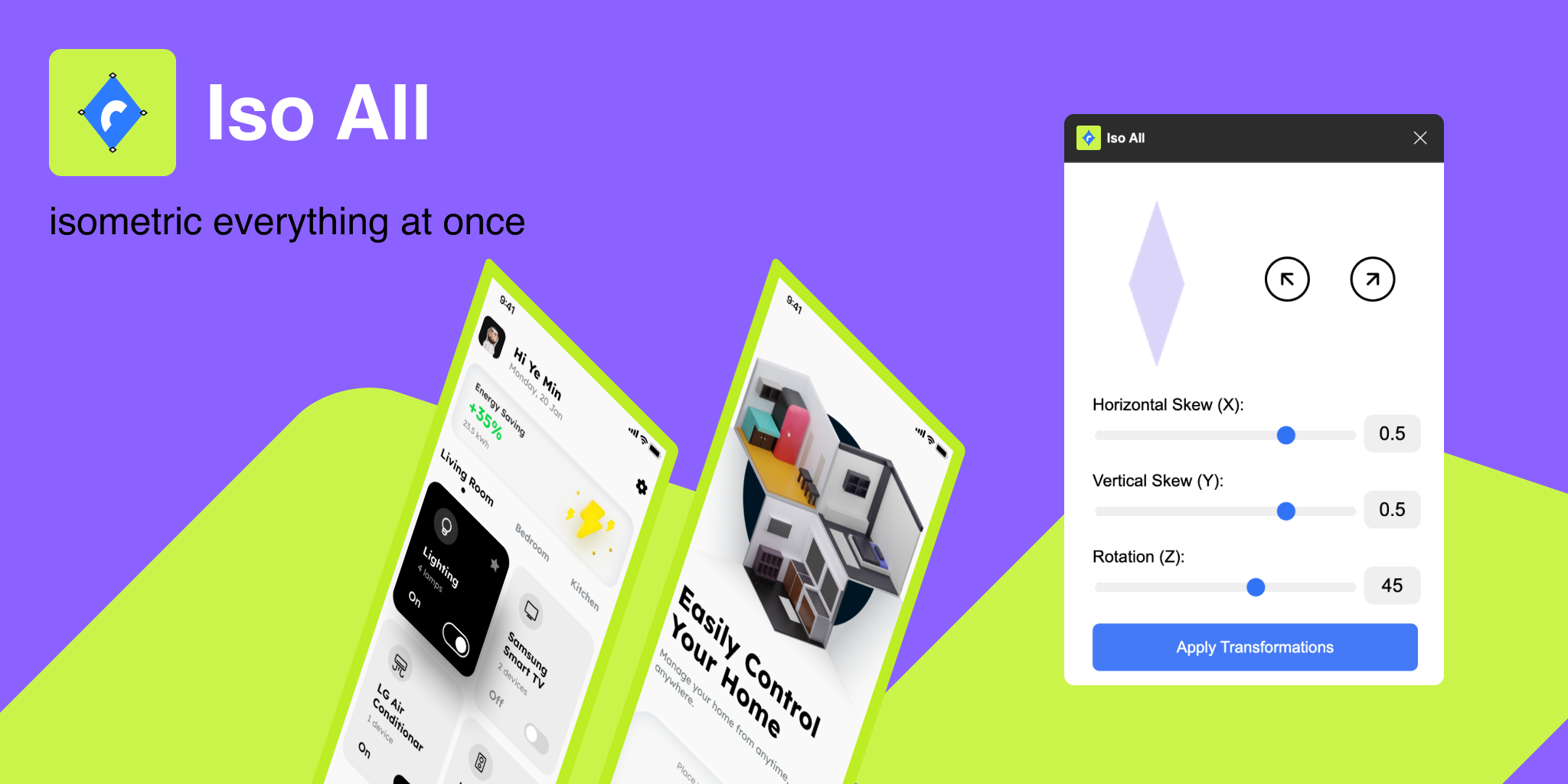
The Iso All plugin is a powerful Figma tool designed to streamline designers' workflow and enhance creative outputs. The plugin simplifies your tasks by converting layers and elements into isometric views with just a few clicks. Let's explore how Iso All can improve efficiency in your design projects and its key features.
Key Features of Iso All Plugin
-
Isometric Transformations: The Iso All plugin allows you to transform any object in your Figma file into an isometric view. This feature helps you create depth and visual interest in your designs effortlessly. Whether it's a shape, image, or text, turning elements into isometric forms adds a professional touch without the need for complex 3D software.
-
Angle Adjustments: Iso All offers customisation by enabling you to adjust the isometric angles. You can easily tweak the X and Y axes of the object to create the exact perspective you need. This flexibility gives you control over the visual style of your design while keeping it consistent across your projects.
-
Layer Compatibility: One of the key advantages of the plugin is its ability to work with different types of layers in Figma. It supports shapes, and text, allowing seamless integration across your entire design. This means that no matter how complex your layout is, Iso All can convert your layers without losing quality or consistency.
-
Effortless Workflow Integration: Iso All integrates smoothly with Figma’s existing environment, making it easy for both individual users and teams to use. The plugin is intuitive and doesn’t require additional training, so you can immediately incorporate isometric designs into your current projects.
Why Use Iso All for Your Design Projects?
-
Saves Time: Manually creating isometric views can be time-consuming. Iso All automates the process, allowing designers to focus on other creative aspects of their work.
-
Enhances Presentation: Isometric designs give your projects a polished and professional look. They can be used to showcase product features, create infographics, or visualise complex systems in an easy-to-understand manner.
-
Collaboration Friendly: Teams using Crafttor can benefit from the Iso All plugin by ensuring that everyone works from the same visual perspective. This helps in aligning designs with business goals and improves communication between designers and developers.
Conclusion
The Iso All Plugin for Crafttor is an essential tool for anyone looking to enhance their Figma designs. It’s easy to use, saves time, and delivers high-quality results. By automating the creation of isometric views, this plugin allows you to focus on creativity and collaboration. Whether you're working on complex projects or just want to add a new dimension to your designs, Iso All is the perfect solution.
Start transforming your designs today by downloading the plugin from Figma website and see how it can elevate your design process!