 Audio for Motion: Lifetime Plans Are Live: Get 20% OFF on Plus plan with Coupon - AUDIO20
  Back to blogs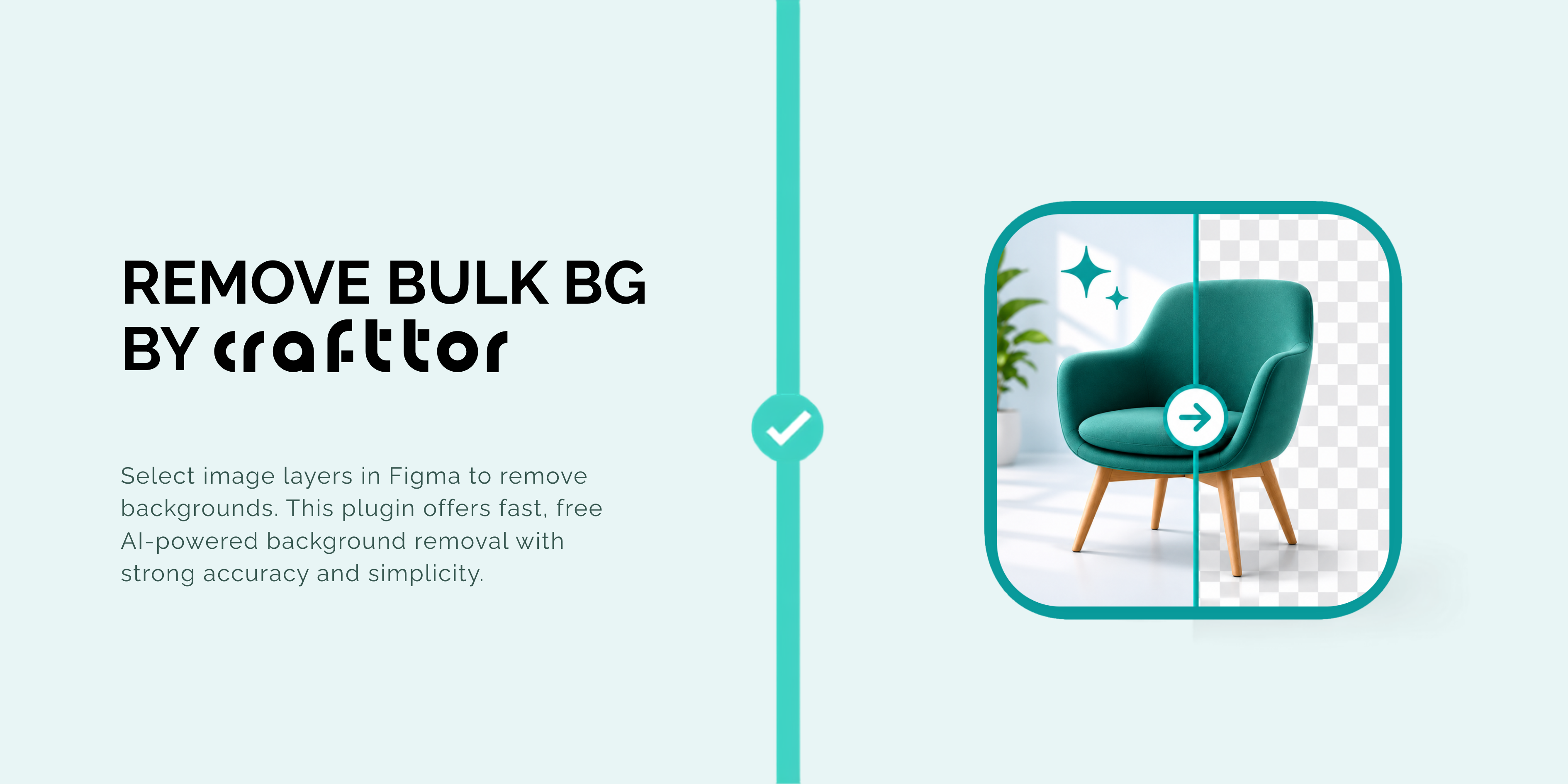
Removing backgrounds is a task almost every designer encounters. Whether you are designing landing pages, product showcases, social media creatives, presentations, or e-commerce stores, clean images with transparent backgrounds make designs look more professional.
The challenge is that most background removal tools require you to upload images one by one, or switch between different applications. This slows down your workflow and adds unnecessary steps.
That's why we built Remove Bulk BG - a Figma plugin that lets you remove backgrounds from multiple images directly inside Figma using AI and no external tools required.
Remove Multiple Backgrounds in One Click
Using Remove Bulk BG is simple. Open the plugin and select one or more frames or layers containing image fills and click Remove Background. The plugin automatically processes every selected image and replaces it with a transparent version in the exact same position.
Instead of spending time exporting, uploading, downloading, and re-importing images, everything happens seamlessly inside your Figma file.
Built for Speed and Simplicity
Remove Bulk BG is designed to fit naturally into your design workflow.
Bulk Processing
Process multiple images in a single click instead of removing backgrounds one at a time. It's perfect for product catalogs, marketing assets, profile photos, and large design projects.
AI-Powered Background Removal
The plugin uses AI to accurately separate the subject from its background, delivering clean transparent images that are ready to use in your designs. It works especially well with portraits, product photography, and marketing visuals.
Completely Free
Unlike many background removal tools, Remove Bulk BG is completely free to use. There are no hidden costs, usage limits, API keys, or subscriptions as of now.
Live Processing Preview
Preview thumbnails while your images are being processed so you can easily monitor progress when working with multiple assets.
Automatic Replacement
Once processing is complete, each transparent image is automatically placed back into your design in the exact same location and size, so you can continue working without making manual adjustments.
Perfect for Every Designer
Remove Bulk BG is ideal for:
-
UI & UX Designers
-
Product Designers
-
Marketing Teams
-
E-commerce Businesses
-
Social Media Creators
-
Creative Agencies
Whether you are preparing product images for an online store or creating polished visuals for your next presentation, Remove Bulk BG helps you complete the job faster without leaving Figma.
Design Faster & Stay in Figma
Great tools should simplify your workflow, not interrupt it. Remove Bulk BG eliminates repetitive background removal tasks so you can focus on designing instead of managing files across different platforms.
If you regularly work with images in Figma, Remove Bulk BG is an essential plugin that saves time, reduces effort, and keeps your entire workflow in one place.
Install Crafttor's Remove Bulk BG today and experience fast, AI-powered background removal for multiple images completely free and directly inside Figma.