 Audio for Motion: Lifetime Plans Are Live: Get 20% OFF on Plus plan with Coupon - AUDIO20
  Back to blogs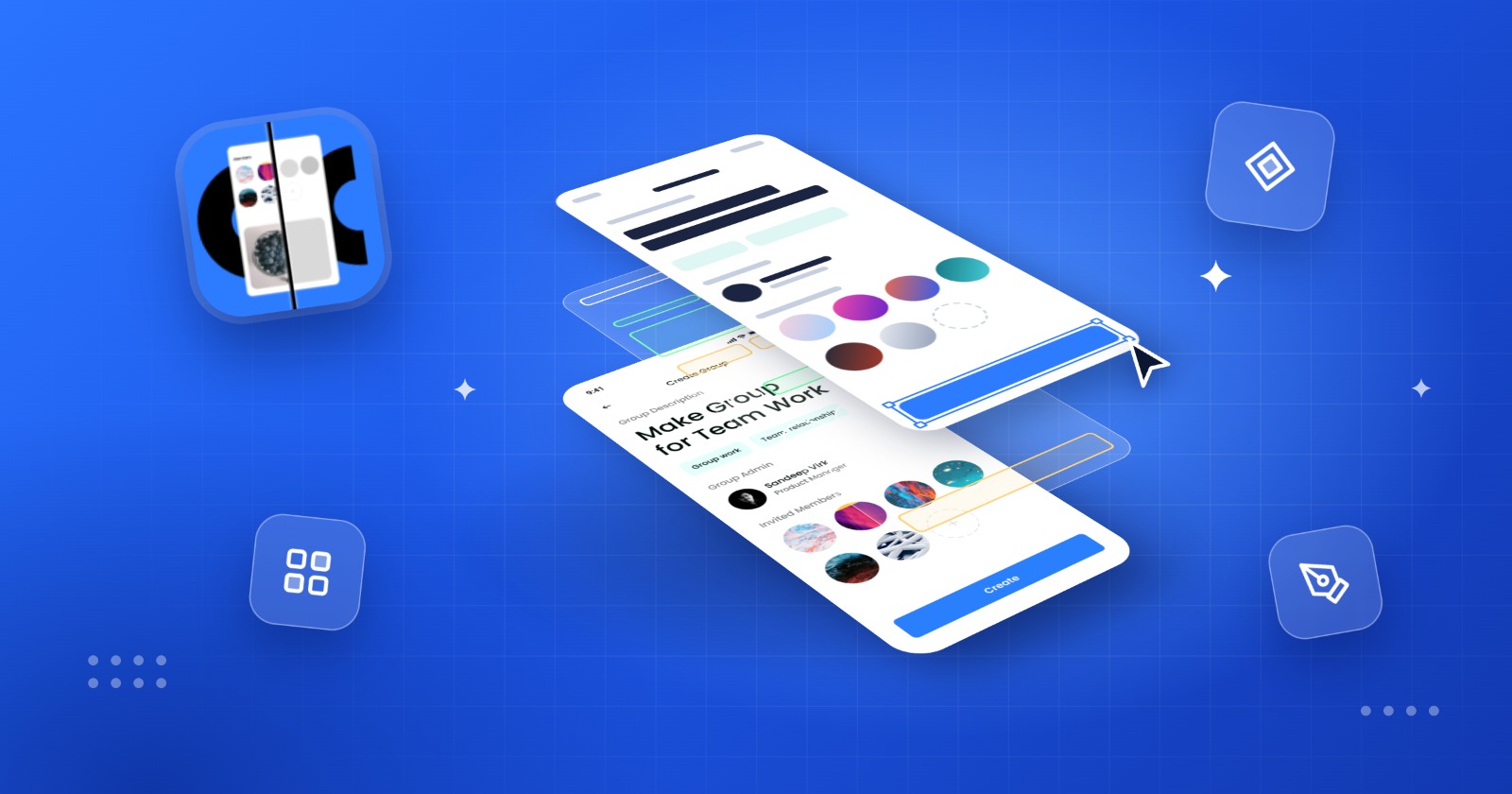
A screenshot can capture a great design but it usually leaves you with one big problem: you can’t edit it.
Maybe you found an inspiring landing page, received a screenshot from a client or want to recreate an existing UI in Figma. Traditionally, you would need to manually rebuild the layout, type every piece of text, recreate buttons, add images, identify fonts and adjust spacing.
That can turn a simple reference into hours of work.
What if your screenshot could become an editable Figma design instead?
That’s where Crafttor Agents come in.
Turn Screenshots Into Editable Figma Designs
With Crafttor's screenshot-to-Figma workflow you can take a screenshot and transform it into an editable design inside Figma.
Instead of simply placing the screenshot on a Figma canvas the design can be reconstructed into elements such as:
-
Text layers
-
Buttons
-
Shapes
-
Images
-
Icons
-
Backgrounds
-
Colors and fills
-
Border radius
-
Layout elements
This means you can actually work with the design rather than just look at it.
Need to change a headline? Edit the text.
Want to try a different button color? Change the fill.
Need to move an image or adjust spacing? Select the layer and modify it.
The screenshot becomes a starting point for your design workflow.
Why Screenshot to Figma Is Useful
Designers often use screenshots as references. The problem is that references are usually static.
You may have a screenshot of:
-
A website you like
-
A mobile app interface
-
A dashboard
-
A landing page
-
A marketing banner
-
A product screen
-
A UI concept
-
An old design that no longer has its source file
Rebuilding these designs manually can be repetitive and time-consuming.
Screenshot-to-Figma tools help remove much of that repetitive work so you can spend more time on design decisions and less time recreating pixels.
Work With Crafttor Agents
The bigger idea behind Crafttor Agents is not just converting an image into a Figma file.
It's about giving designers AI-powered tools that can help with different parts of their creative workflow.
Think of an agent as a specialized design assistant.
One agent can help understand the visual structure of a screenshot. Another can help identify design elements while other workflows can help transform or prepare creative assets for further editing.
Instead of asking designers to do every small production task themselves, Crafttor Agents are designed to help automate the repetitive parts.
You bring the idea. The agents help turn it into something you can work with.
From Reference to Real Design
Imagine you find a website section that has exactly the layout you want.
Previously, your workflow might look like this:
Screenshot → manually inspect → recreate layout → type text → add images → recreate buttons → adjust spacing → fix everything
With an AI-assisted workflow it can become:
Screenshot → Crafttor Tool → editable Figma design → customize
You still control the final design. The difference is that you don't have to start everything from a blank Figma canvas.
Screenshot to Figma Isn't About Copying - It's About Starting Faster
A screenshot is rarely the final design.
You might want to change the colors, replace the images, rewrite the copy, adjust the layout or create multiple variations.
That's why editable output matters.
The real value of screenshot-to-Figma conversion isn't simply getting a visual copy. It's getting a workable design structure that you can continue designing.
This makes the workflow useful for designers, developers, marketers, product teams and anyone who frequently works with visual references.
A Faster Creative Workflow
AI is changing how designers approach repetitive work.
Instead of replacing the designer tools like Image to Figma Design can take care of parts of the workflow that don't necessarily require hours of manual effort.
That gives designers more time to focus on:
-
Creative direction
-
User experience
-
Visual hierarchy
-
Branding
-
Interaction design
-
Experimentation
-
Refinement
The goal isn't to remove creativity from the process.
It's to remove unnecessary friction.
Start With a Screenshot
The next time someone sends you a screenshot and says, “Can you recreate this in Figma?”, you don't necessarily need to start from scratch.
Use the screenshot as your input, let Image To Figma Design handle the repetitive work and continue designing from an editable Figma foundation.
Screenshots are static. Your ideas don't have to be.
With Crafttor's Image To Figma Design turn visual references into something you can actually work with and get from screenshot to Figma faster.