 Audio for Motion: Lifetime Plans Are Live: Get 20% OFF on Plus plan with Coupon - AUDIO20
  Back to blogs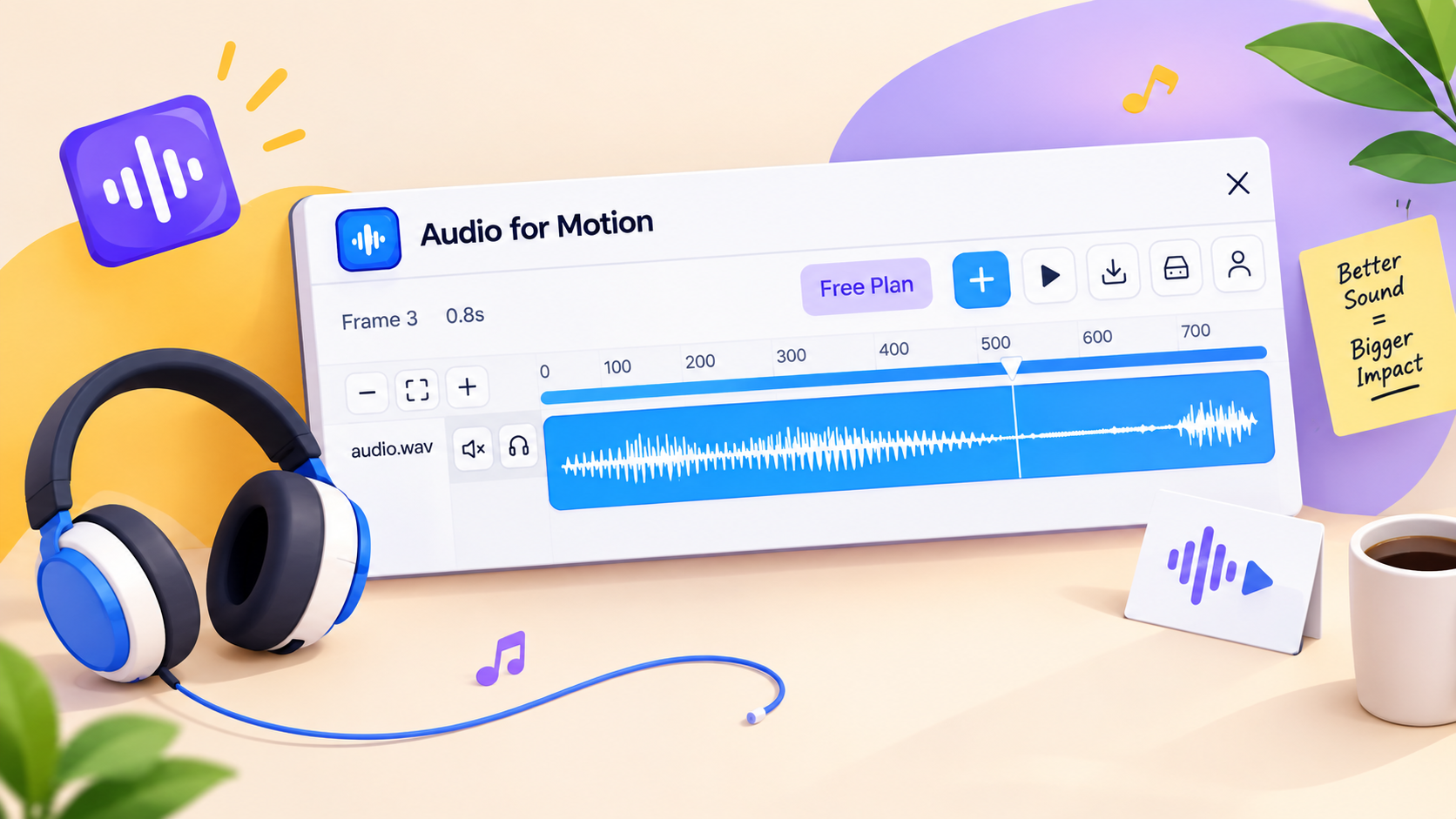
Great motion design isn't just about what you see. It's also about what you hear.
A smooth transition, a subtle click or a perfectly timed sound effect can make an animation feel more engaging and complete. Yet, for many designers adding sound to motion projects means switching between multiple tools, editing audio separately and trying to synchronize everything manually.
We felt there was a better way.
The Problem: Sound and Motion Were Separate Workflows
Designers can spend hours refining animations, adjusting timing and polishing transitions. But when it comes to sound, the workflow often becomes fragmented.
You create your animation in one place, find sound effects elsewhere, edit audio in another tool and then try to bring everything together.
This extra effort interrupts the creative process and makes experimenting with sound more difficult than it should be.
Our Idea: Bring Audio Closer to Motion Design
That's why we developed Audio for Motion to make working with sound a more natural part of the motion-design workflow in Figma.
We wanted designers to be able to work with audio without constantly switching between applications.
With Audio for Motion, designers can work with sound effects, trim and split audio, adjust fades, organize tracks and synchronize audio with their animations.
The goal is simple: make sound design more accessible to designers who already work with motion.
Why Sound Matters in Design
Sound can do more than make an animation entertaining. It can reinforce an interaction, draw attention to an important moment and make a product demonstration feel more immersive.
Think of a button click, a notification or a transition that feels more satisfying with a subtle sound effect. These small details can change how an experience feels.
Not every animation needs audio, of course. But when used thoughtfully sound can add another dimension to motion design.
Built for Designers Who Want to Do More
Audio for Motion is built around a simple idea: designers should have more freedom to experiment and less friction in their creative workflow.
Whether you're creating UI animations, product demonstrations or motion-design presentations, bringing sound and motion together can help you communicate your ideas more effectively.
Explore Audio for Motion: Open the plugin in Figma.
Because sometimes the difference between a good animation and a memorable experience is what you hear.