 Audio for Motion: Lifetime Plans Are Live: Get 20% OFF on Plus plan with Coupon - AUDIO20
 WE POWER UP FIGMA
Designers can convert their ideas straight into Figma layers and teams can discover and reuse assets that fit right into their workflow.
Our vision for smarter creative tools
Every workflow tells a story. Crafttor helps businesses empower their teams with tools that turn ideas into finished work faster.
Figma plugins built for creativity
Watch each plugin work, then add it to Figma in one click.
PSD to Figma
Import PSD files as editable Figma layers with live text, masks and effects, then export frames back to layered PSD.
Try plugin →Motion for Figma Motion
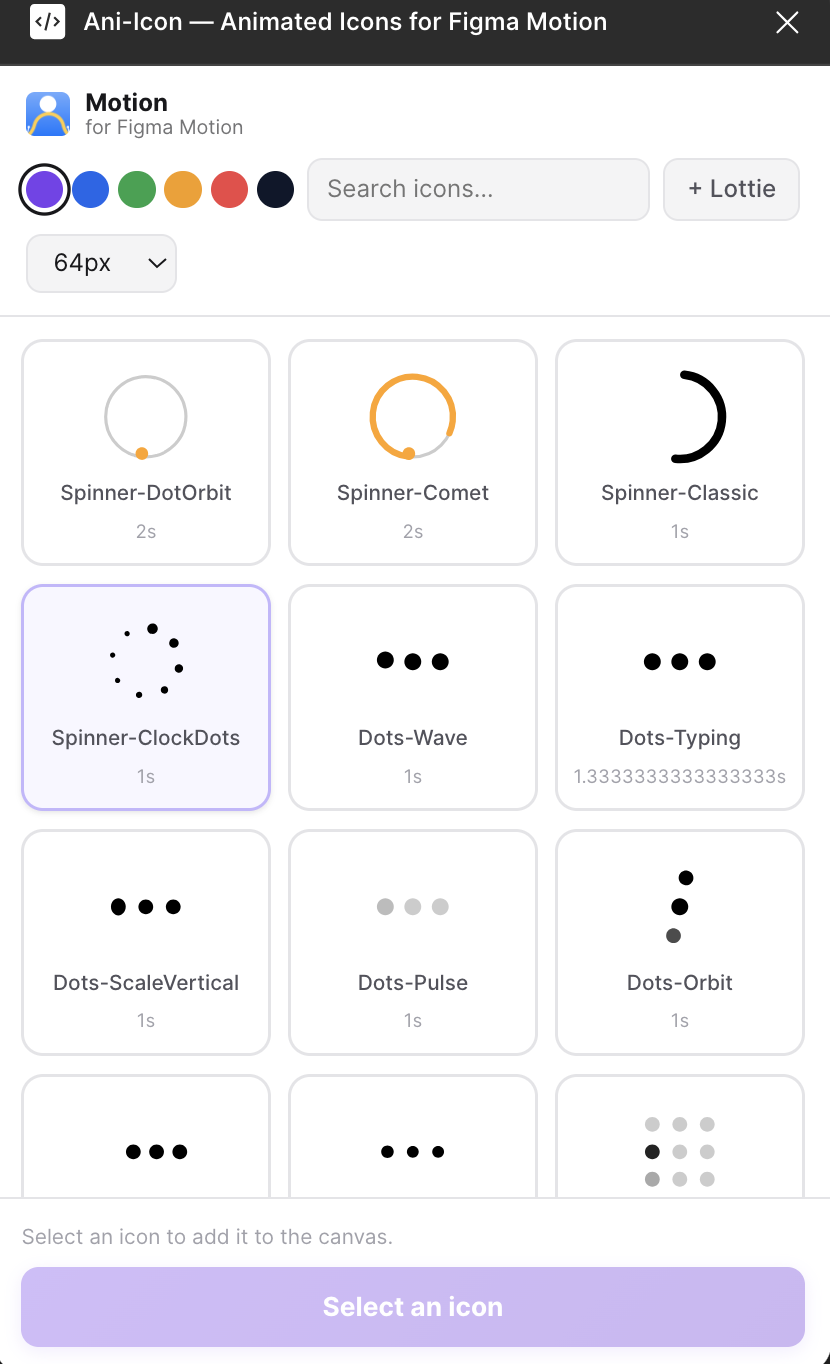
A curated library of 10K+ animated icons dropped straight into your Figma workflow.
Try plugin →Path Motion
Animate strokes, paths, loaders, icons, logos and objects with real Figma Motion (Beta) keyframes.
Try plugin → Crafttor builds Figma plugins for motion designersproduct teamseveryday workflowsmotion designers
Powerful tools for faster Figma workflows
Design, automate and ship, all without leaving Figma.

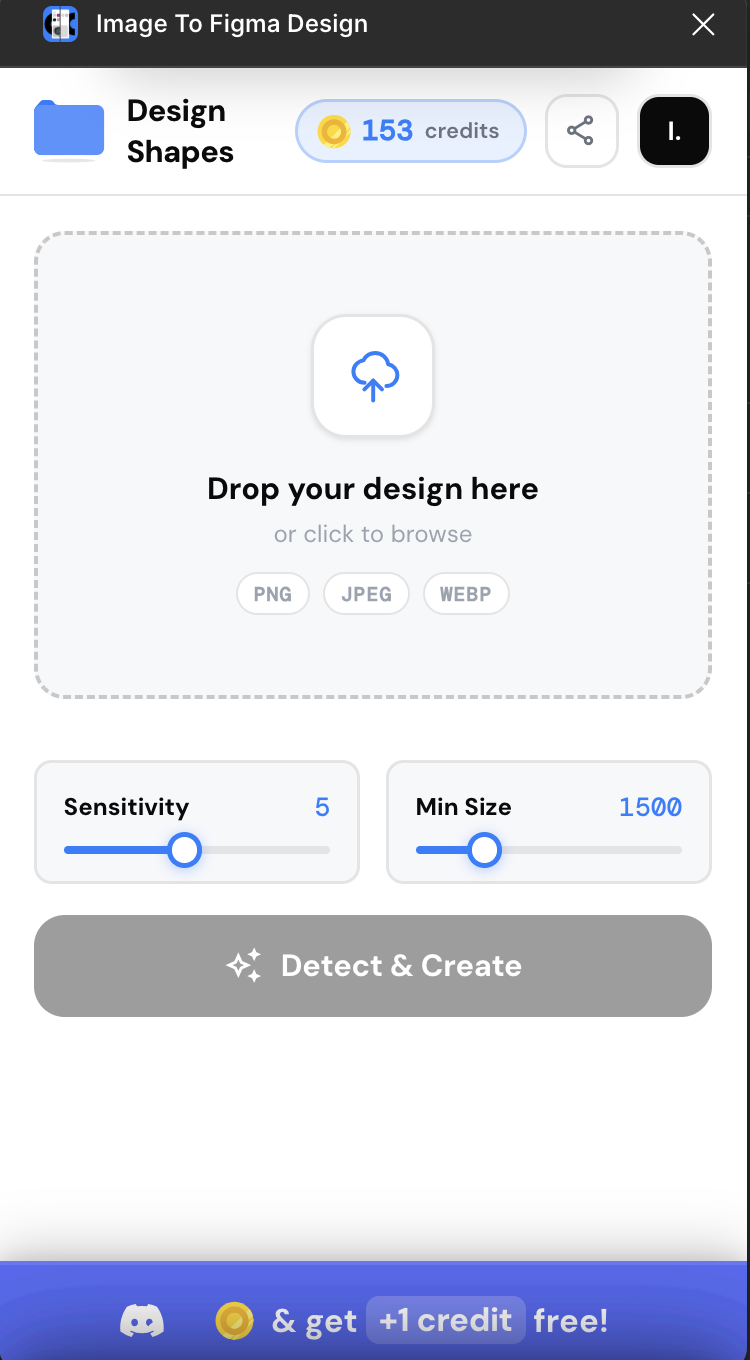
Image To Figma Design
Scan any UI screenshot and recreate it as fully editable Figma layers: shapes, text, buttons, images and icons placed accurately with real fills, fonts and corner radii.
Learn more →
Motion For Figma Motion
A curated library of animated icons directly in your Figma workflow. No manual keyframes, no plugin-to-plugin handoff.
Learn more →
Audio For Motion
Real sound effects, voiceovers and music synced live to the Motion playhead, right inside Figma.
Learn more →
Capture Motion
Record real animations from websites and recreate them inside Figma Motion.
Learn more →Capture Motion - Chrome Extension
Point at an element and read how it actually animates: duration, easing, delay and the full keyframe sequence.
Learn more →
WebCapture
WebCapture turns any website into fully editable Figma layers. Not a screenshot, not a flattened image but real layers.
Learn more →WebCapture - Chrome Extension
Capture a whole website, desktop and mobile, as a JSON file you can import into Figma.
Learn more →
PSD to Figma
Import PSD and PSB files as native Figma layers with live text, shapes, masks and effects, then export back to layered PSD. Free, no sign-up, runs inside Figma.
Learn more →
Path Motion
One-click Path Trim animation for Figma's Motion (Beta). Inspired by After Effects' Trim Paths: select a shape, click a button, get instant keyframes.
Learn more →Crafttor
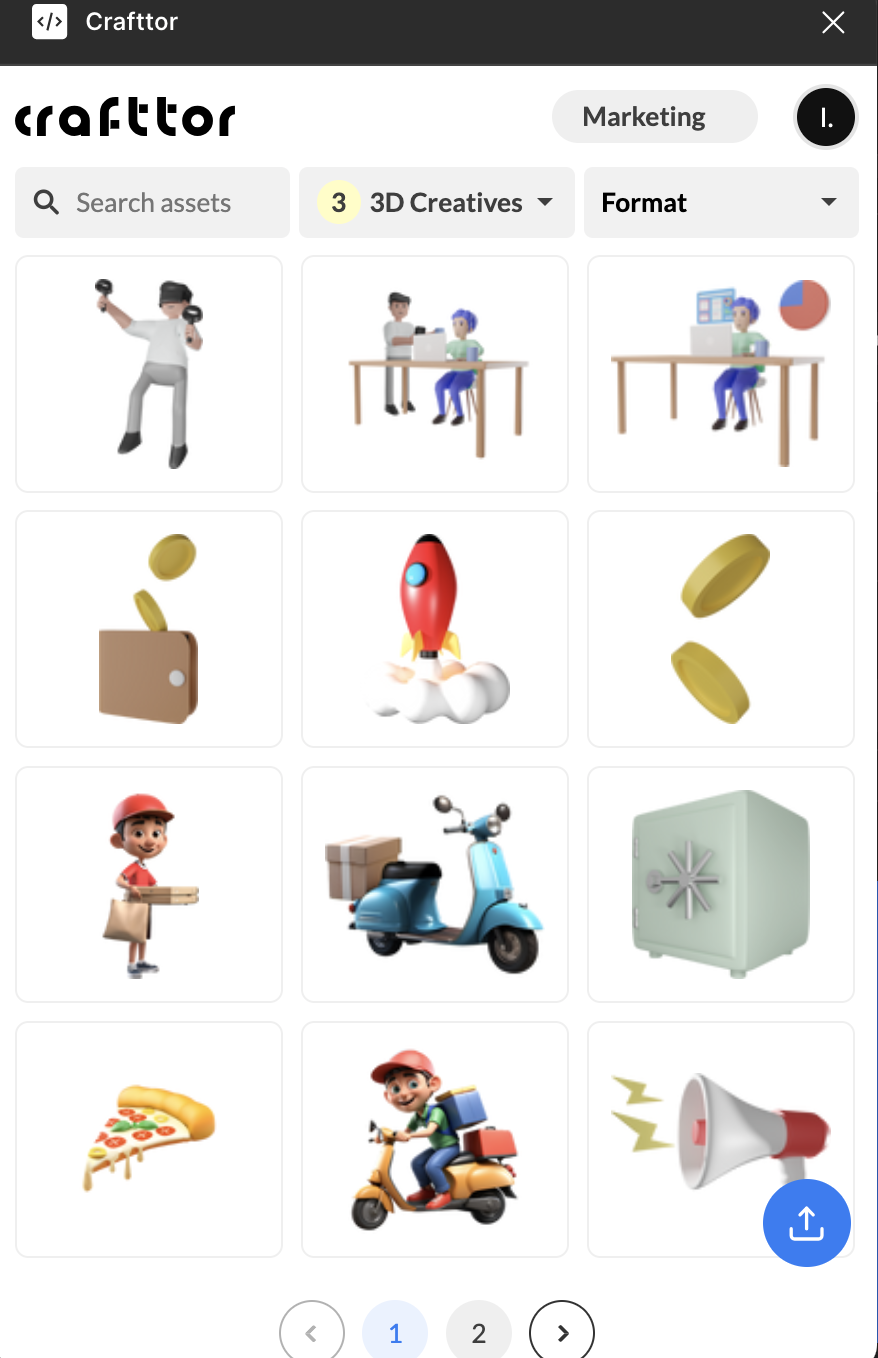
Cloud storage for your assets. Upload brand assets to boards in the Crafttor workspace and share them with the team.
Learn more →
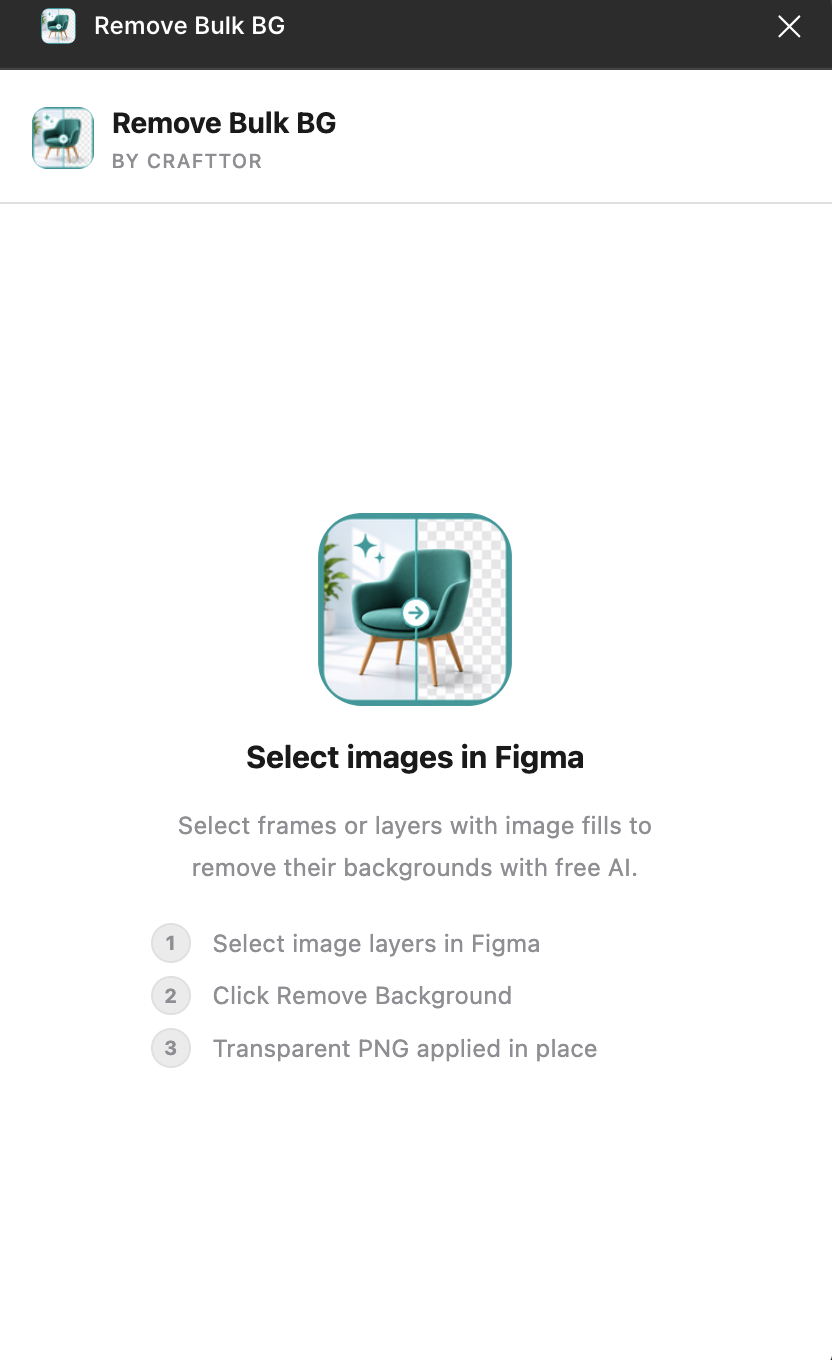
Remove Bulk BG
Select frames or layers with image fills, click Remove Background and the AI applies each transparent PNG back in place.
Learn more →
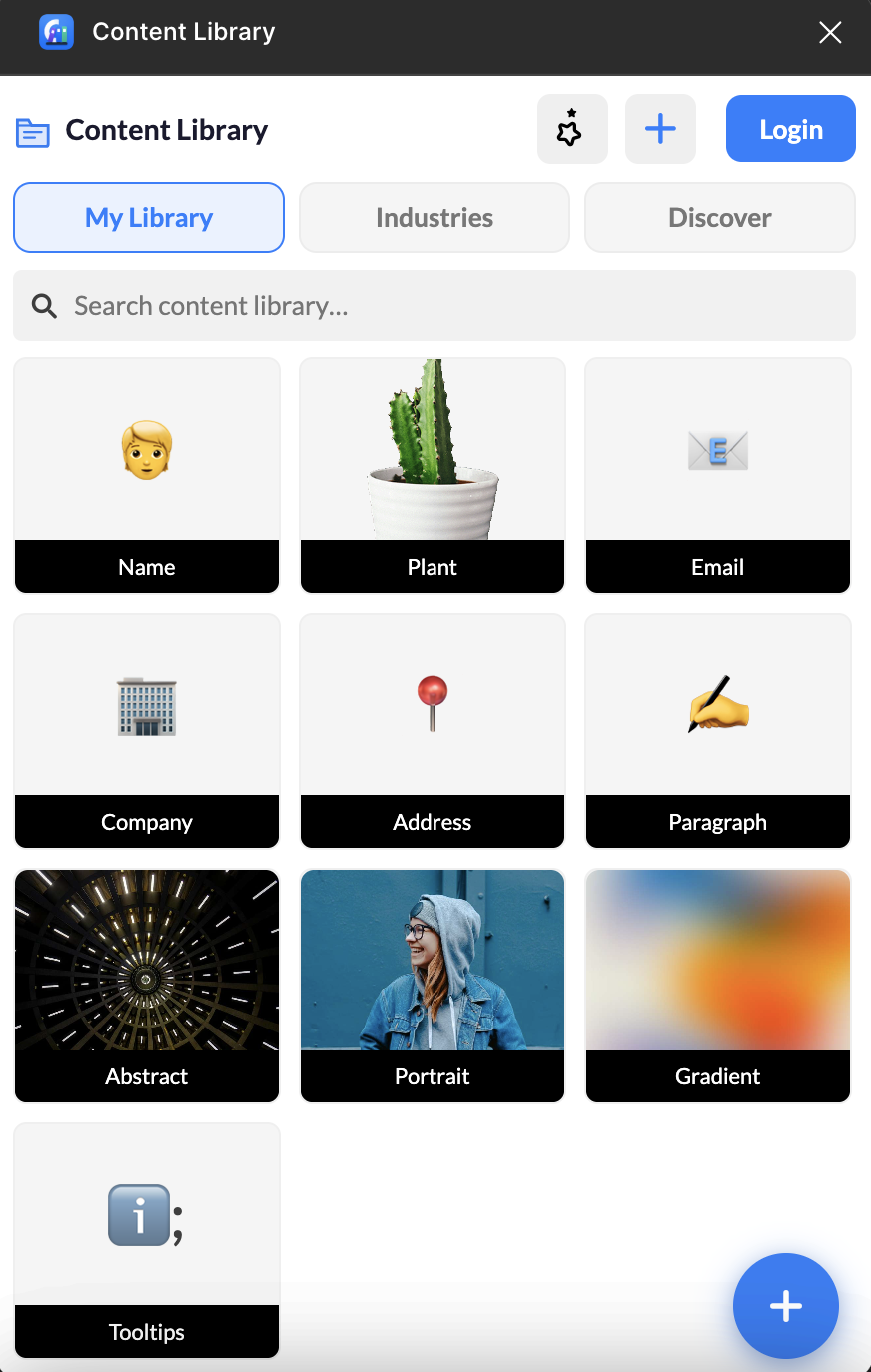
Content Library
Reusable headlines, taglines, portraits and backgrounds inside Figma, so you never leave your design tool to copy and paste real content.
Learn more →
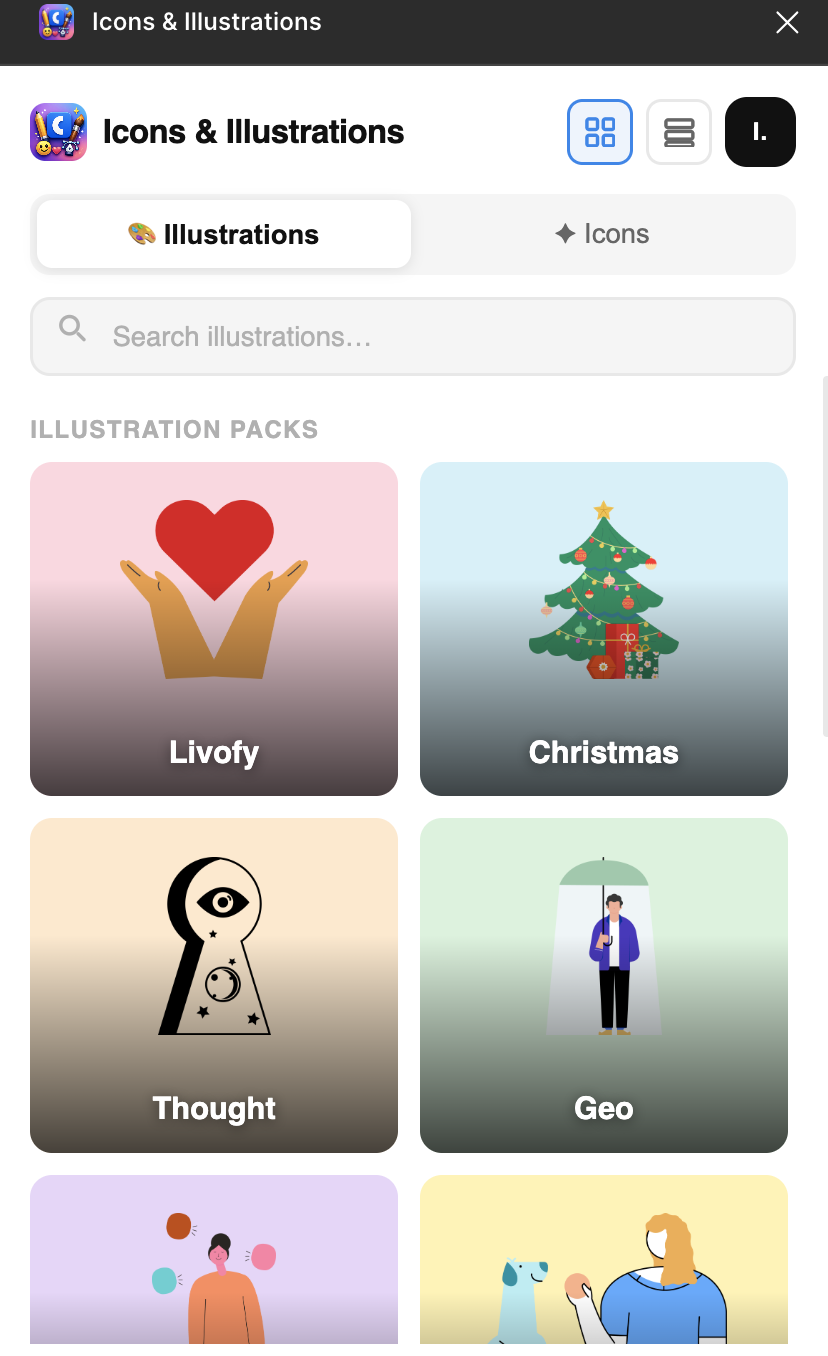
Icons & Illustrations
An all-in-one asset library inside Figma for designers who want speed, quality and variety without leaving the canvas.
Learn more →
Iso All
Simplifies the creation of isometric designs in Figma.
Learn more →
Kaleidoscope
Adds kaleidoscopic style from your own photos and materials to your projects.
Learn more →Speed + precision = your design edge

Design + AI Combo
Automation that respects your craft.
Supercharge Your Figma Workflow
Powerful plugins that save hours every week.
Built for Every Designer
Fast, reliable plugins that keep up with your creativity.
3x Faster Delivery
Design workflows powered by AI acceleration.

Power up your Creativity
From AI-powered tools to productivity plugins, everything you need to design faster in Figma.
Crafttor plugins: frequently asked questions
Quick answers about every Figma plugin we build.
Image To Figma Design
What does Image To Figma Design do?
It scans a UI screenshot and recreates it as fully editable Figma layers: shapes, text, buttons, images and icons with real fills, fonts and corner radii.
How many credits does a conversion use?
Every image or screenshot you convert uses one credit from your plan.
Motion For Figma Motion
What is Motion For Figma Motion?
It is a curated library of 10K+ animated icons that you drop straight into your Figma workflow.
Do I need to create keyframes myself?
No. The icons come already animated, so there are no manual keyframes and no plugin-to-plugin handoff.
Audio For Motion
What kind of audio can I add?
You can add real sound effects, voiceovers and music to your Figma Motion animations.
How is the audio kept in sync?
Audio is synced live to the Motion playhead, right inside Figma.
Capture Motion
What does the Capture Motion plugin do?
It records real animations from websites and recreates them inside Figma Motion.
Why use it instead of rebuilding an animation by hand?
It starts from the animation the website actually runs, so you import the real motion into Figma instead of recreating it by eye.
Capture Motion - Chrome Extension
What can I read with the Capture Motion extension?
You can see how an element really animates: its duration, easing, delay and the full keyframe sequence.
How do I use it?
Point at an element on a web page and the extension shows you how it animates.
WebCapture
What is WebCapture?
WebCapture turns any website into fully editable Figma layers.
How is it different from a screenshot?
The result is not a screenshot or a flattened image. You get real layers that you can edit like any other Figma design.
WebCapture - Chrome Extension
What does the WebCapture extension capture?
It captures a whole website, desktop and mobile versions included.
What do I get after capturing?
You get a JSON file that you can import into Figma.
PSD to Figma
Which files can I import?
PSD and PSB files. They come in as native Figma layers with live text, shapes, masks and effects.
Is it free, and can I export back to PSD?
It is free, needs no sign-up and runs inside Figma. You can also export your frames back to layered PSD.
Path Motion
What does Path Motion do?
It adds one-click Path Trim animation to Figma's Motion (Beta). Select a shape, click a button and get instant keyframes.
What can I animate with it?
Strokes, paths, loaders, icons, logos and objects, using real Figma Motion keyframes.
Crafttor
What is the Crafttor plugin?
It is cloud storage for your assets, available right inside Figma.
Can my team use the same assets?
Yes. You upload brand assets to boards in the Crafttor workspace and share them with your team.
Remove Bulk BG
How does Remove Bulk BG work?
Select frames or layers with image fills and click Remove Background. The AI applies each transparent PNG back in place.
Can I remove backgrounds from many images at once?
Yes. It is built for bulk work, so you can select several frames or layers with image fills and process them together.
Content Library
What is inside Content Library?
Reusable headlines, taglines, portraits and backgrounds that you can use inside Figma.
Why use it?
You never have to leave your design tool to copy and paste real content into your designs.
Icons & Illustrations
What is Icons & Illustrations?
It is an all-in-one asset library inside Figma for icons and illustrations.
What are the benefits?
You get speed, quality and variety without leaving the canvas.
Iso All
What does Iso All do?
It simplifies the creation of isometric designs in Figma.
When should I use it?
Use it whenever you want isometric designs in Figma without setting up the angles by hand.
Kaleidoscope
What does Kaleidoscope do?
It adds a kaleidoscopic style to your projects.
What can I use as the source?
Your own photos and materials.
Let's speed up
your Figma workflow
With Crafttor, you don't just design faster, you design smarter. Try the plugin suite and see the difference in your next project.